
unpackZST – ZST tools for Mac is a file storage tool listed on CodeTrendy, available at unpackzst.com. Built with Swift. Added in 2026. Pack & Unpack ZST files on Mac.
unpackZST brings ZST to macOS Open .zst files instantly with a simple, native Mac experience. No terminal, no setup, no extra tools. Just drag, drop, and extract.
- Category
- File Storage
- Domain
- unpackzst.com
- Added
- Tech
- Swift
- Domain Rating
- DR 26
unpackZST – ZST tools for Mac Preview
Open in new tab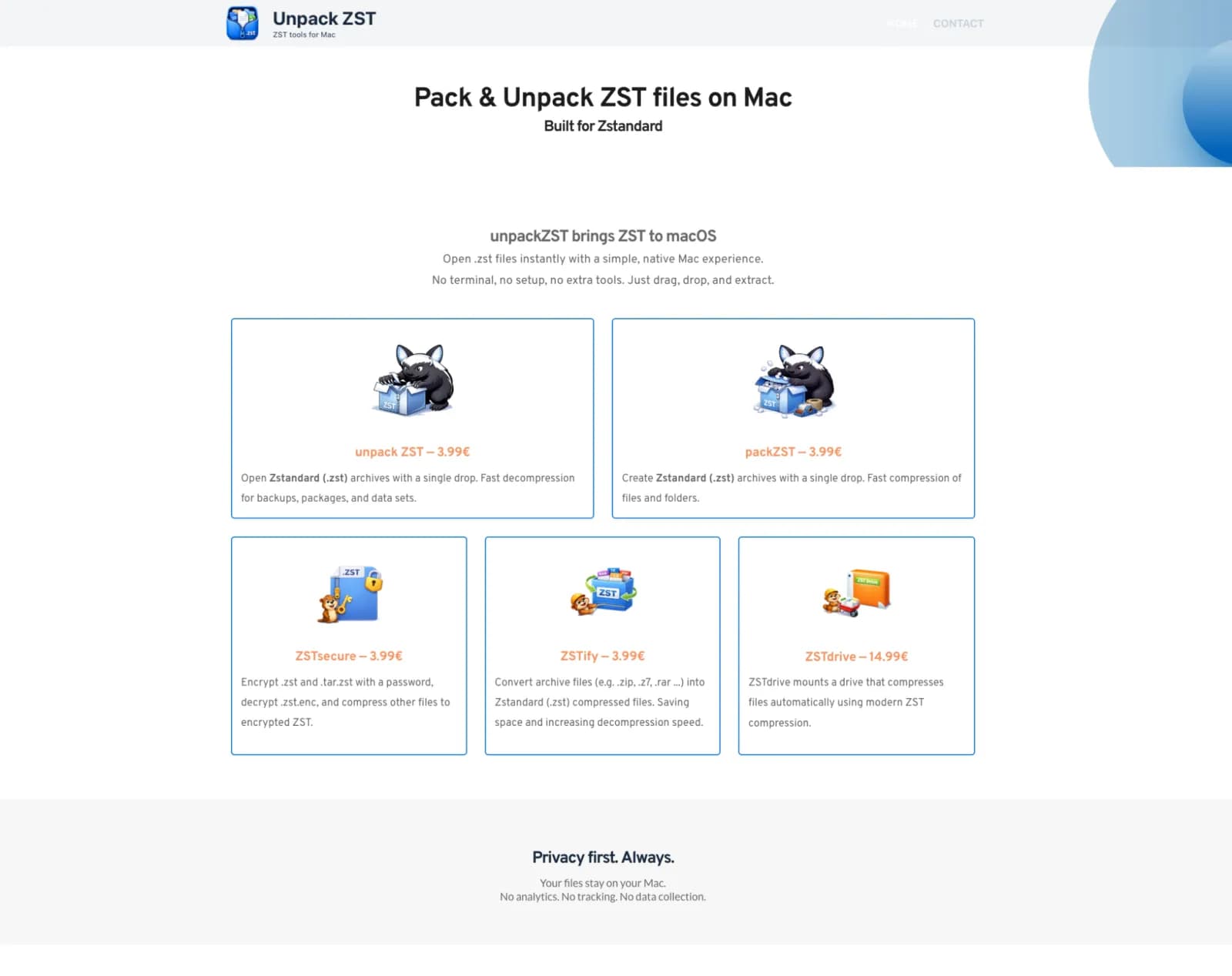
About unpackZST – ZST tools for Mac
unpackZST brings ZST to macOS Open .zst files instantly with a simple, native Mac experience. No terminal, no setup, no extra tools. Just drag, drop, and extract.
Reviews
Reviews
Alex Rivera
6mo ago
Solid tool, worth checking out
unpackZST – ZST tools for Mac does a good job at what it sets out to do. unpackZST – ZST tools for Mac: web services for site owners and developers. Key features: unpackZST brings ZST to macOS, ZST is the modern compression. I think it's best suited for people who need this specific functionality. Would love to see more integrations in the future.
Riley Cooper
3mo ago
Right click and done
Opened a stack of zst archives without dropping to terminal once.


